Inventory
Capture shelf, stock, or product codes into a list ready for export.
 ScanBatch
 Batch QR code scanner
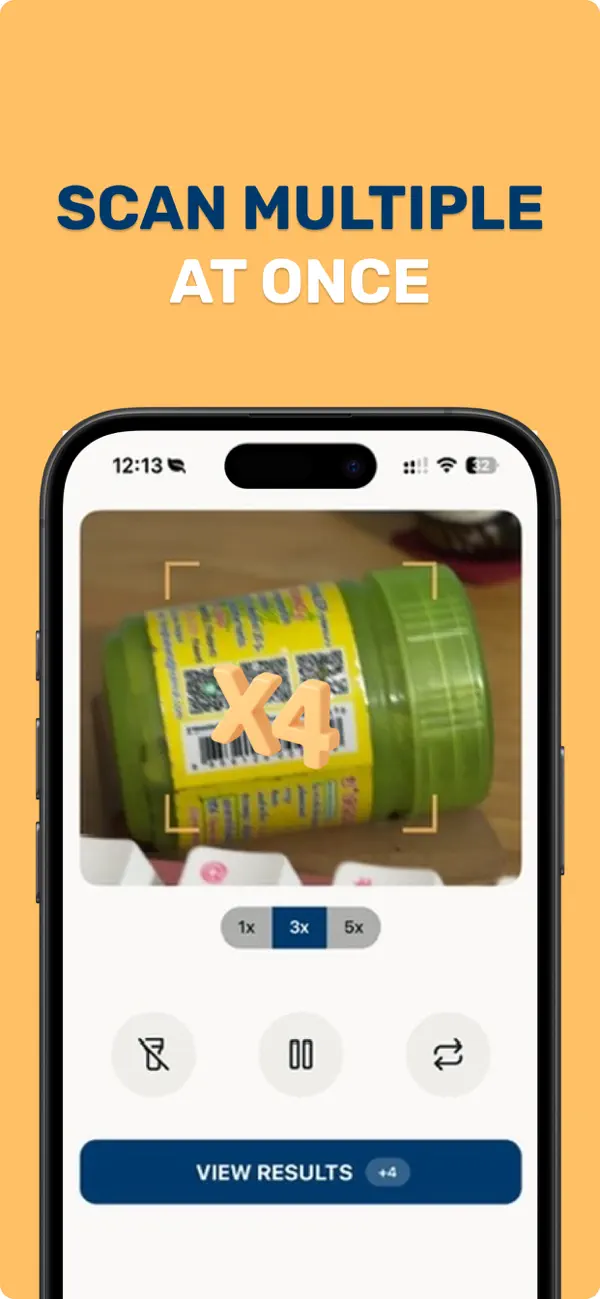
Keep scanning without stopping after every code. Sort results into collections, export clean CSV files, and scan or generate codes offline.


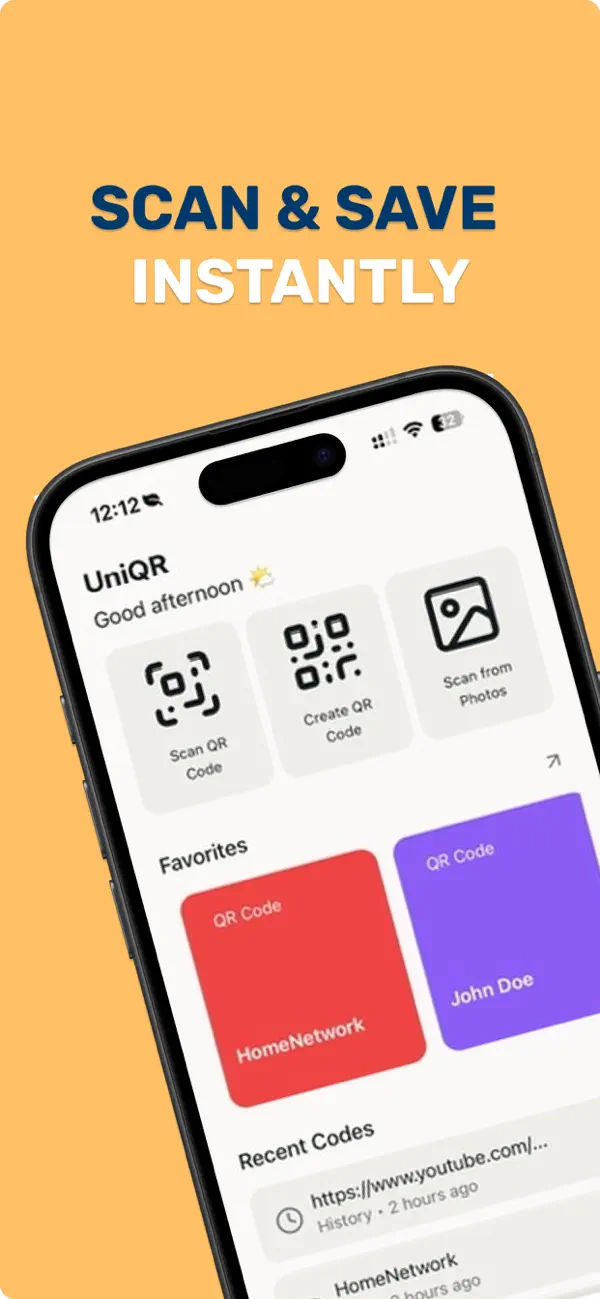
Simple workflow
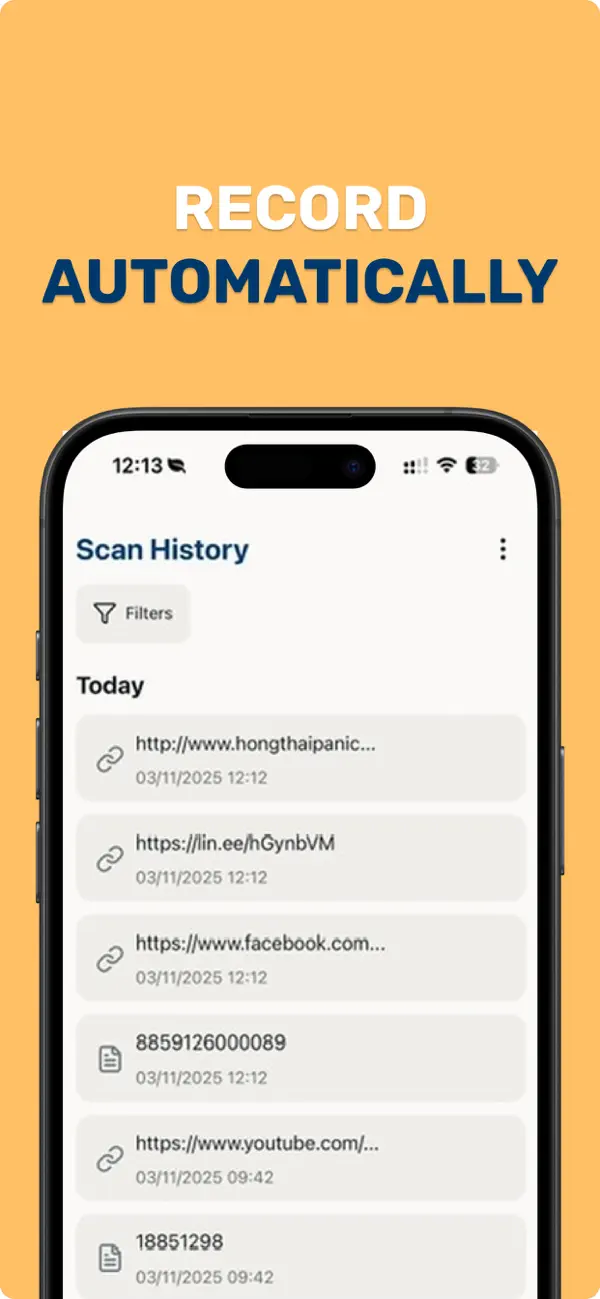
Capture multiple QR codes and barcodes one after another without leaving scanner view.
Group scan records into collections by project, location, date, or task. Add notes for context.
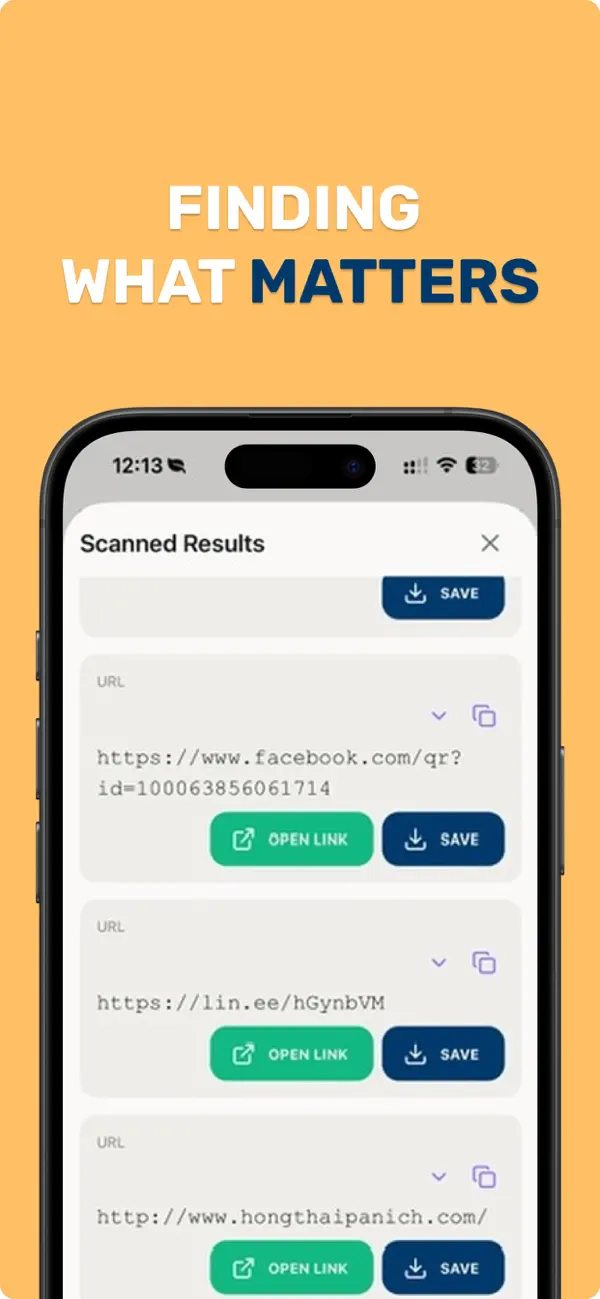
Send full history or individual collections to Numbers, Excel, Google Sheets, or reporting tools.
Inside ScanBatch
Use cases
Capture shelf, stock, or product codes into a list ready for export.
Keep moving through attendee codes without resetting the scanner.
Organize equipment scans by room, site, or audit collection.
Collect package, product, and label barcodes for spreadsheet workflows.
Core capabilities
ScanBatch supports QR, UPC, EAN-13, EAN-8, Code 128, Code 39, and more. Core scanning and generation work offline.
Scanning guides
Plan a continuous session, organize results, and review before export.
Move collection records into Excel, Numbers, or Google Sheets through CSV.
Separate local capture from connected lookups and sharing.
FAQ
ScanBatch is free to download and includes optional in-app purchases for premium features.
Yes. ScanBatch is designed to scan and generate codes offline so your workflow stays fast.
Yes. You can export full scan history or individual collections to CSV for spreadsheets and reports.
ScanBatch supports QR, UPC, EAN-13, EAN-8, Code 128, Code 39, and more.
Ready to scan?
Download ScanBatch for iPhone or Android and start your next batch.